

You can build a 12‑month guest posting calendar by working backwards from your annual goals, then mapping themes, targets, and tasks into a simple marketing/content calendar template. Below is a lean, practical framework you can adapt into Excel, Sheets, Notion, or any content calendar tool.
1. Define your 12‑month guest posting goals
Decide what success looks like for the year:
- Primary goal: e.g. authority links, referral traffic, leads, or brand visibility.
- KPIs (for the whole year):
- Number of guest posts published (e.g. 24, 48, 100).
- Number of unique domains.
- Target DR/DA range of sites.
- Referral traffic or leads from guest posts.
- Capacity:
- How many posts you can realistically produce per month (your or your team’s).
From this, derive a monthly quota.
Example: 48 posts/year → 4 posts/month.
2. Choose and set up your calendar format
Use any annual or content marketing calendar template, then customise it for guest posting.
Minimum fields to include:
- Month
- Post title / working title
- Target site
- Decision‑maker / contact
- Pitch deadline
- Outline deadline
- Draft deadline
- Publish date (estimated/actual)
- Status (Ideas / Pitched / Accepted / In Draft / Submitted / Published)
- Owner / writer
- Target keyword / topic cluster
- Link targets / CTA
- Notes (guidelines, anchor preferences, etc.)
You can do this in:
- A year‑at‑a‑glance marketing calendar for high‑level planning.
- A content/editorial calendar view (monthly/weekly) for execution detail.
3. Build your 12‑month content theme map
Create a simple table with months vs. themes (like an annual marketing strategy calendar with “content themes” and “key campaigns”).
Steps:
- List your core topics / pillars (e.g. SEO, email marketing, SaaS onboarding).
- Assign 1–2 main themes per month.
- Add any seasonal or industry events that should shape your pitches (product launches, conferences, holidays, etc.).
Example (simplified):
| Month | Main theme | Secondary angle |
|---|---|---|
| Jan | Predictions & trends | Beginner guides |
| Feb | Case studies | Tool round‑ups |
| Mar | How‑to deep dives | Checklists |
Now you know what to pitch each month.
4. Build and segment your target site list
Create a separate tab/database for target publications, then link it to your calendar.
Include:
- Site name
- URL
- Niche / audience
- Domain rating / authority
- Guest post / contribution guidelines link
- Contact person & email
- Pitch angle fit (which of your themes suit them)
- Notes (word count, format, no. of links allowed)
- Priority (A/B/C)
Tag each site with suitable months / themes so you can batch pitches.
5. Design a repeatable monthly workflow
Use a consistent month‑level workflow that you repeat 12 times.
Suggested monthly milestones:
-
Week 1 – Strategy & Pitches
- Review past month performance.
- Finalise target topics (based on your theme map).
- Select target sites for the month.
- Draft and send pitches (aim to pitch 1.5–2× your publish target to account for rejections).
-
Week 2 – Outlines & Approvals
- Follow up on pitches from last month.
- Create detailed outlines for accepted topics.
- Get approval from editors if required.
-
Week 3 – Drafting
- Write drafts for all accepted topics.
- Self‑edit and prepare assets (images, examples, author bio).
-
Week 4 – Finalise & Submit
- Final edits and proofread.
- Submit posts and track status.
- Log confirmed/estimated publish dates.
Map each of these to calendar entries with deadlines (similar to content deadline fields in content calendars).
6. Translate the workflow into a 12‑month execution timeline
6.1 Quarterly planning rhythm
Every quarter:
- Re‑set quarterly targets (e.g. 12 posts per quarter).
- Refresh your target site list.
- Adjust themes based on what’s working.
Example quarterly timing:
- Q1 (Months 1–3): Build pipeline; heavier on pitching and relationship building.
- Q2–Q3 (Months 4–9): Full execution; maintain steady pitch/write/publish cycle.
- Q4 (Months 10–12): Focus on best‑performing sites/topics; plan for next year.
6.2 Month‑by‑month template
For each month, create:
- 1 calendar row per guest post idea with:
- Pitch date
- Outline deadline
- Draft deadline
- Submission date
- Expected publish window
Example for a single post:
- 2nd: Pitch sent
- 6th: Follow‑up
- 9th: Pitch accepted
- 11th: Outline due
- 18th: Draft due
- 22nd: Submission sent
- Publish date: TBD (editor)
Use status fields similar to editorial/content calendars to keep track of progress.
7. Add promotion and measurement to the calendar
To avoid “publish and forget”, incorporate basic promotion and tracking:
Add fields or calendar entries for:
- On‑publish promotion tasks:
- Share in email newsletter.
- Share on LinkedIn/Twitter/etc. (you can align this with social media calendars and templates).
- UTM tracking / campaign tags for links in your bio or CTAs.
- Measurement checkpoints:
- 30‑day and 90‑day notes for:
- Referral traffic
- Rankings (if targeting keywords)
- Conversions (signups, demos, etc.)
- 30‑day and 90‑day notes for:
Log these in your calendar or a linked performance sheet so your next 12‑month cycle is data‑driven.
8. Simple templates you can copy
You can mirror structures used by:
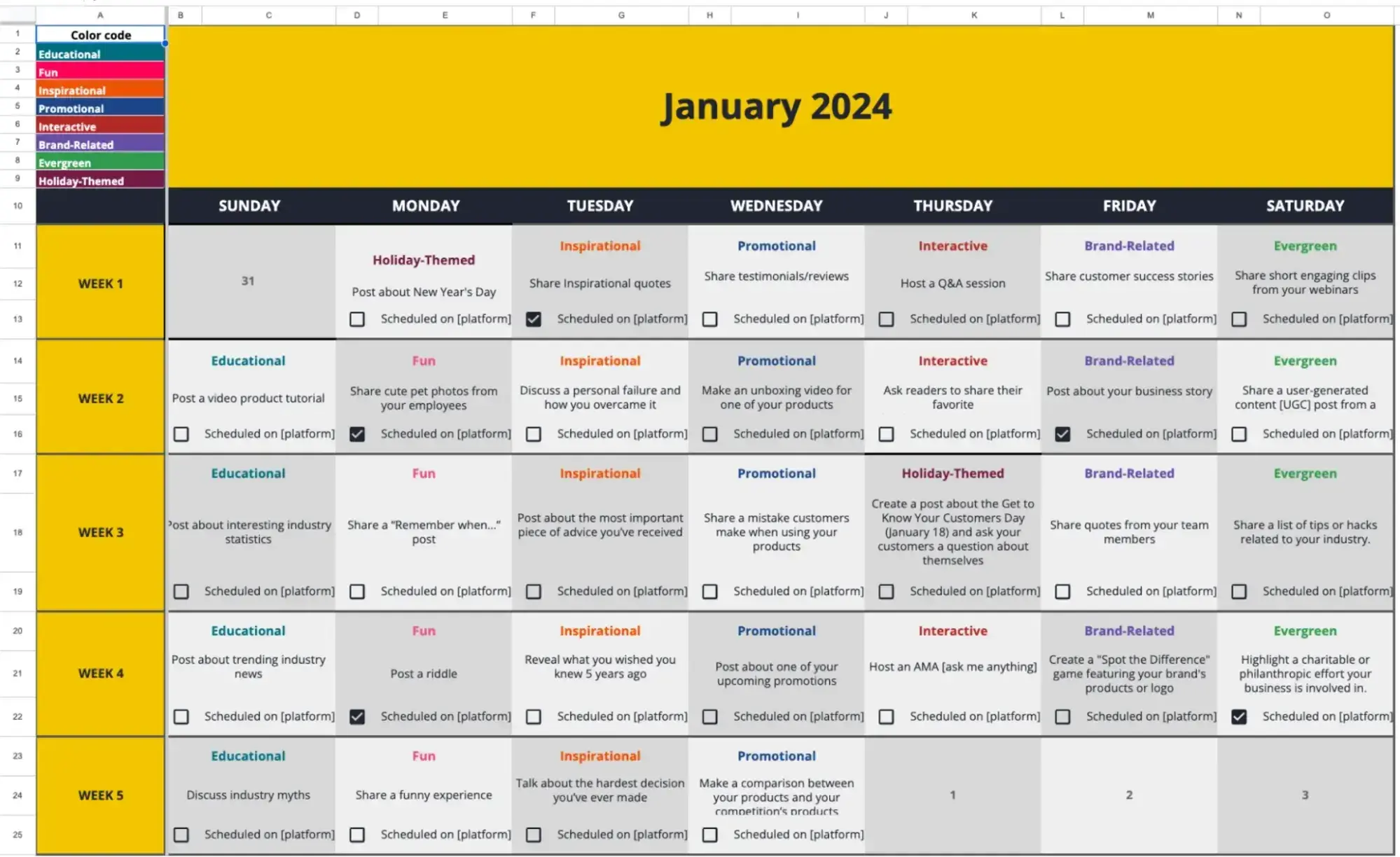
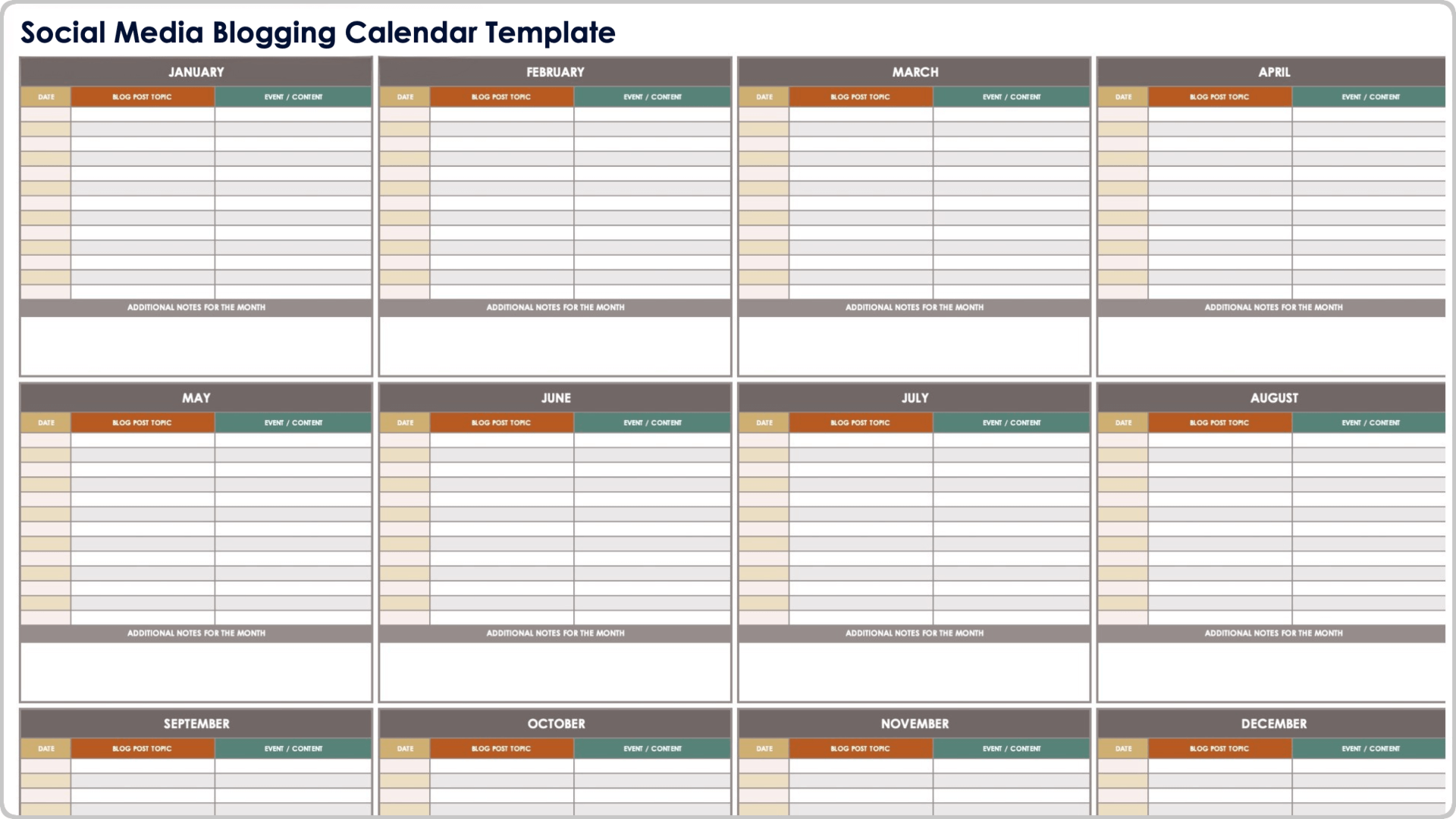
- Annual marketing calendars (year‑at‑a‑glance with month, focus, key campaigns, content themes, milestones).
- Content/editorial calendars (post‑level info: title, author, publish date, channel, status).
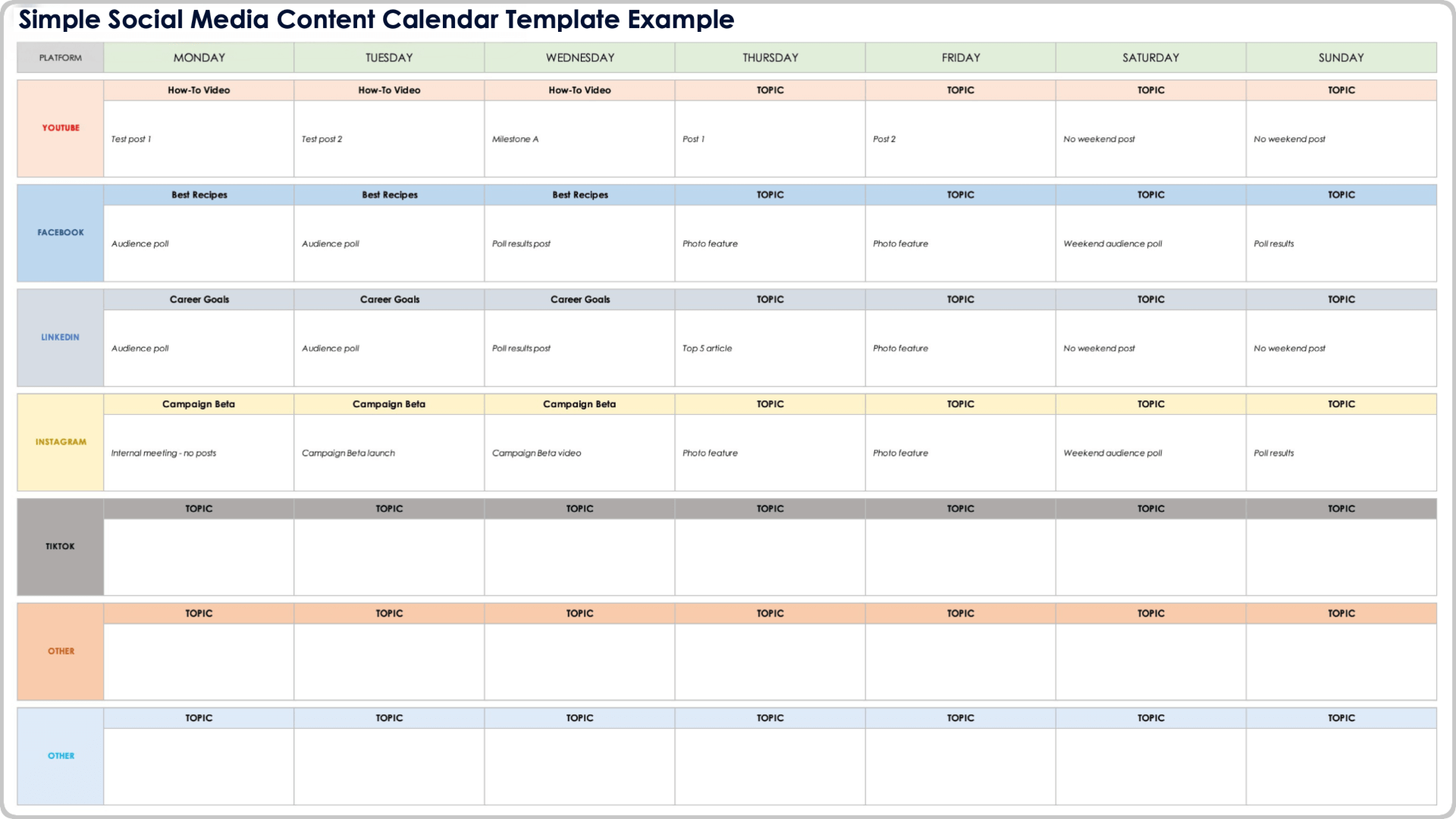
- Social media calendars (for scheduling promotion of each guest post once it goes live).
Example tabs in your spreadsheet/Notion:
- Year Overview – monthly themes, monthly post targets, key milestones.
- Guest Post Pipeline – all ideas and targets, with status and prioritisation.
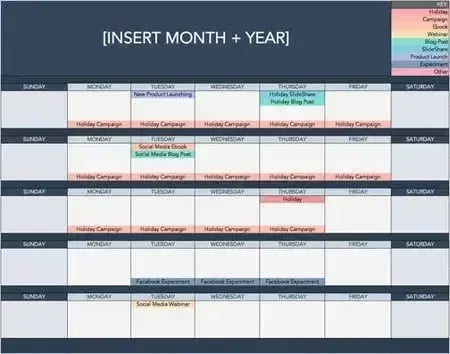
- Monthly Calendar – deadlines and publish dates in a calendar layout.
- Performance – posts with URLs and key metrics.
If you tell me your target number of posts per month and your niche, I can sketch a concrete 12‑month sample calendar with example topics and a week‑by‑week execution timeline.














WebSeoSG offers the highest quality website traffic services in Singapore. We provide a variety of traffic services for our clients, including website traffic, desktop traffic, mobile traffic, Google traffic, search traffic, eCommerce traffic, YouTube traffic, and TikTok traffic. Our website boasts a 100% customer satisfaction rate, so you can confidently purchase large amounts of SEO traffic online. For just 40 SGD per month, you can immediately increase website traffic, improve SEO performance, and boost sales!
Having trouble choosing a traffic package? Contact us, and our staff will assist you.
Free consultation