

Businesses should test a website builder like a live product, not just a design draft. The goal is to confirm it works well on real devices, handles key customer journeys, and is ready for launch without broken features.
What to test before launch
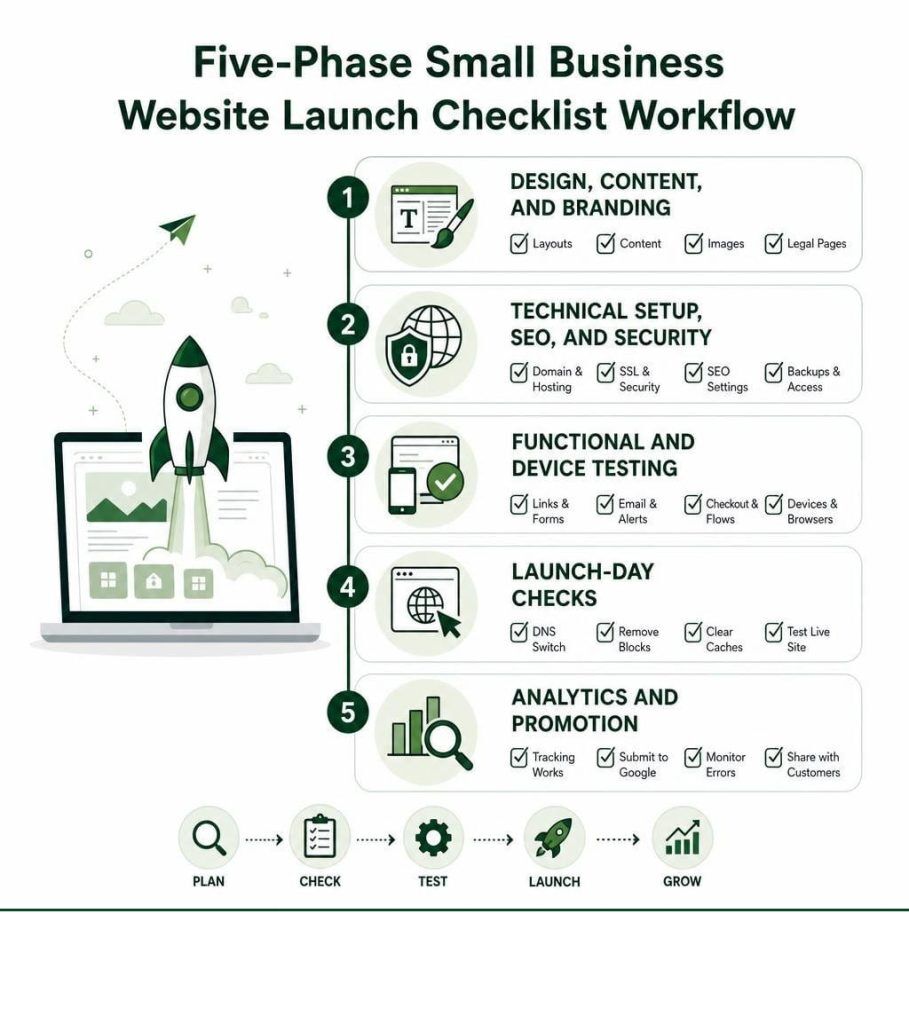
- Core user journeys: Test the main paths a visitor will take, such as browsing pages, filling in forms, booking, buying, or contacting the business.
- Forms and notifications: Submit every form and confirm the message reaches the business and any confirmation email goes out correctly.
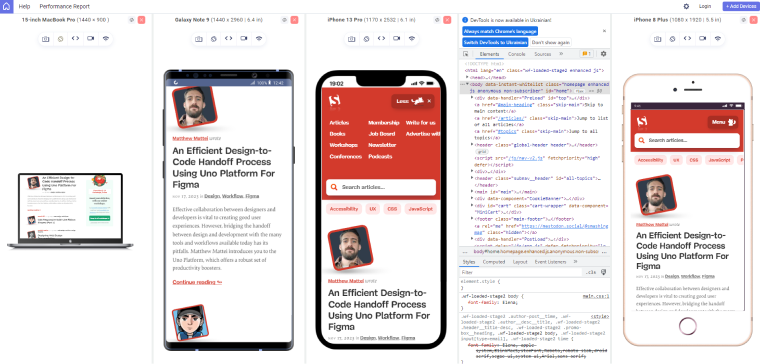
- Mobile and responsive layout: Check the site on phones, tablets, and desktop screens for spacing issues, hidden menus, broken layouts, and touch targets that are hard to tap.
- Cross-browser compatibility: Open the site in major browsers to make sure navigation, buttons, and interactive elements behave consistently.
- Performance: Test page speed and watch for slow loading, oversized images, or scripts that block rendering.
- Accessibility: Verify keyboard use, readable text, proper contrast, and that important actions can be completed without a mouse.
- Content review: Proofread text, check links, confirm images are correct, and make sure page titles and metadata are accurate.
- SEO basics: Check sitemap, robots settings, redirects, canonical tags, and whether noindex tags were removed before launch.
- Security and domain setup: Confirm HTTPS is active, the preferred domain version is set, and there are no mixed-content warnings.
- Tracking and analytics: Verify analytics, conversion events, and tag setup so business activity is recorded after launch.
- Backup and rollback: Keep a full backup and make sure restoration works in case something fails at launch.
A simple pre-launch testing flow
- Test on staging first with the final content and settings.
- Run functional checks on all major pages and buttons.
- Check visual quality across breakpoints and browsers.
- Verify forms, analytics, and SEO settings before going live.
- Do a final smoke test on the production site right after launch.
Practical tip
A good rule is to test like a real customer would: browse, click, submit, pay, and recover from errors. If those journeys work smoothly, the website builder is much more likely to be ready for launch.
If useful, a one-page launch checklist can be drafted for your team next.













WebSeoSG offers the highest quality website traffic services in Singapore. We provide a variety of traffic services for our clients, including website traffic, desktop traffic, mobile traffic, Google traffic, search traffic, eCommerce traffic, YouTube traffic, and TikTok traffic. Our website boasts a 100% customer satisfaction rate, so you can confidently purchase large amounts of SEO traffic online. For just 40 SGD per month, you can immediately increase website traffic, improve SEO performance, and boost sales!
Having trouble choosing a traffic package? Contact us, and our staff will assist you.
Free consultation