

Use a deliberately balanced mix of 1–2 popular (high-volume) tags, 3–6 niche tags, and 1–2 local tags — and keep the set tightly relevant to the Reel’s topic; Instagram now recommends fewer, more targeted hashtags (around five) to improve discoverability and performance.
Context and how to implement this strategy
-
Why balance matters: Popular tags expose your Reel to a large audience but are highly competitive, niche tags connect you to a targeted, engaged community, and local tags signal geographic relevance to users nearby or searching location-based content.
- Popular tags can trigger short-term reach spikes but often bury posts quickly because of volume.
- Niche tags surface content to people specifically interested in your subject and produce higher-quality interactions (saves, follows, shares).
- Local tags attract nearby audiences and customers and can improve chances of appearing in location-based searches and local Explore surfaces.
-
Practical tag counts and placement (current best practice): Use about five highly relevant hashtags in the caption (Instagram has been moving toward limiting hashtag counts and recommends fewer up to five); some practitioners still test 5–10 or 5–15 but the trend is toward quality over quantity. Place hashtags in the caption rather than the first comment for better indexing, unless you’re testing aesthetics vs. reach.
-
How to choose each type quickly:
- Popular/high-volume (1–2): pick general tags that describe the format or trend, e.g., #Reels, #ViralReel — only if they genuinely fit the content.
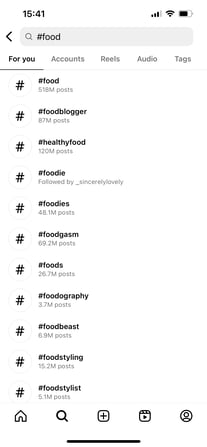
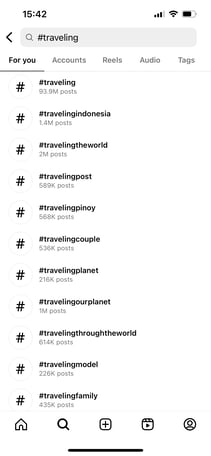
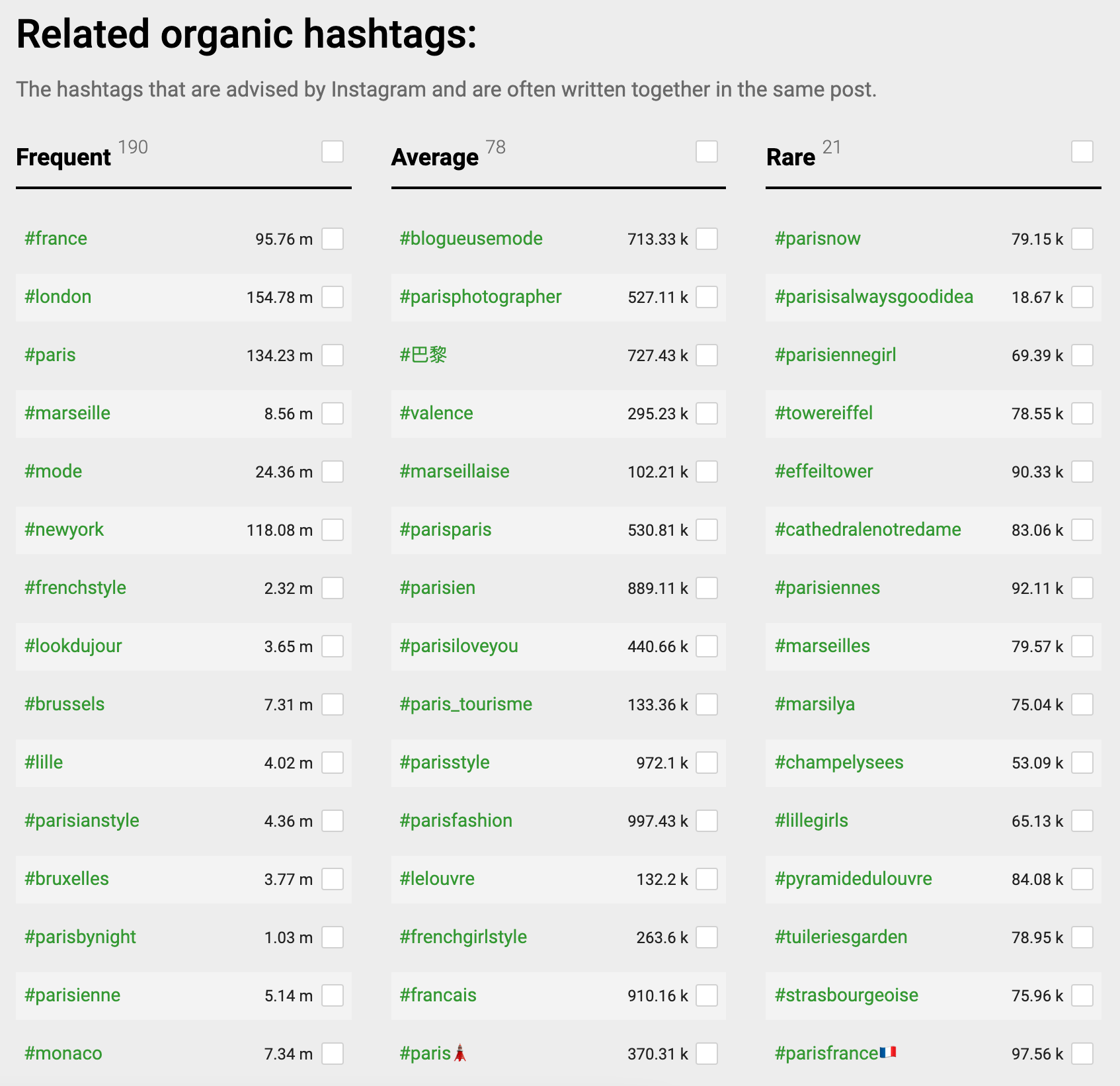
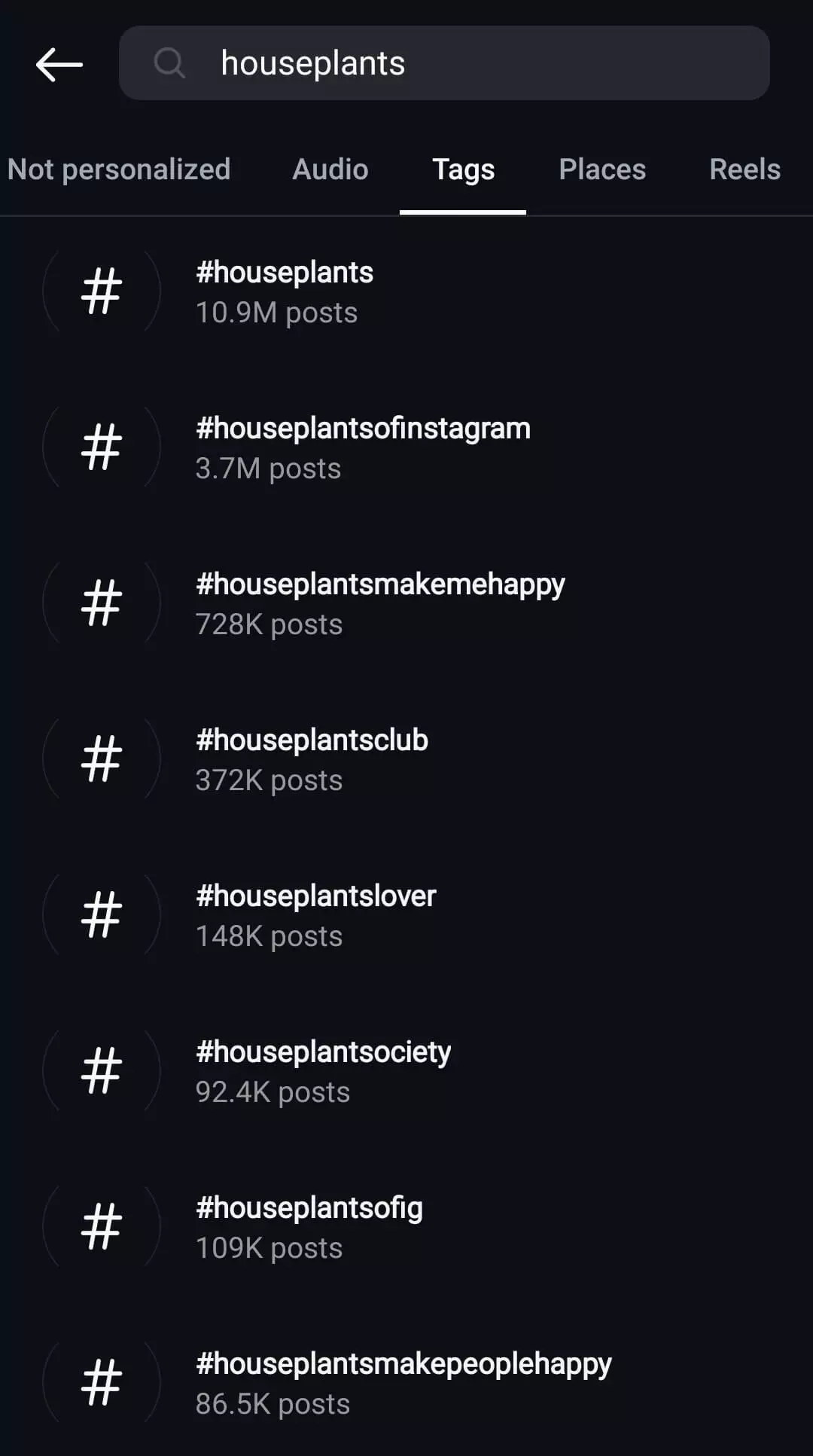
- Niche (3–6): use specific tags that define the content and audience, e.g., #VeganWeeknightMeals, #BudgetInteriorStyling, #PortraitRetouchTips — inspect top creators in your niche and pull tags they use that still have moderate activity (not saturated).
- Local (1–2): include city, neighbourhood, or country-level tags and community tags, e.g., #SGFoodies, #SingaporeFitness — combine geographic and community variants (English and local language if relevant).
-
Selection process (fast workflow):
- Identify the main topic/intent of the Reel in one line.
- Find 1–2 trending/popular tags related to the format or trend (check the Reels audio or Explore page).
- Pick 3–6 niche tags: search each candidate and choose tags with active but not overwhelmingly large post counts (shows engaged community).
- Add 1–2 local tags (city, neighbourhood, or community).
- Save several tested hashtag sets and rotate them — avoid pasting the exact same set on every Reel to prevent visibility dampening.
-
Measurement and iteration:
- Track reach, saves, shares, follower conversions, and which tags drove impressions using Instagram Insights and third‑party analytics; compare sets over time and retire underperforming tags.
- Use “Trial Reels” or small A/B tests (different hashtag sets on similar content) to see which mix produces the best non-follower reach before wider posting.
Tactical examples (for a fitness Reel):
- Popular (1): #Reels
- Niche (3–4): #HomeResistanceWorkout, #20MinuteWorkout, #BeginnerHIIT
- Local (1): #SingaporeFitness or #SGFit (pick the community term locals use)
Total: ~5 tags in caption, then monitor performance and iterate per Insights.
Common pitfalls to avoid
- Using many generic, unrelated tags — lowers relevance and wastes the limited recommended slots.
- Repeating the identical hashtag set on every post — Instagram may reduce visibility for repetitive strategies.
- Chasing extremely high-volume tags only — large tags are competitive and often deliver low-quality engagement.
If you want, I can:
- Audit up to three of your recent Reels and propose optimized 5‑tag sets (popular + niche + local) tailored to each Reel’s topic; or
- Generate 4 ready-to-use hashtag sets for a specific niche (tell me the niche and the city/locale).














WebSeoSG offers the highest quality website traffic services in Singapore. We provide a variety of traffic services for our clients, including website traffic, desktop traffic, mobile traffic, Google traffic, search traffic, eCommerce traffic, YouTube traffic, and TikTok traffic. Our website boasts a 100% customer satisfaction rate, so you can confidently purchase large amounts of SEO traffic online. For just 40 SGD per month, you can immediately increase website traffic, improve SEO performance, and boost sales!
Having trouble choosing a traffic package? Contact us, and our staff will assist you.
Free consultation