

Common GA Installation Pitfalls
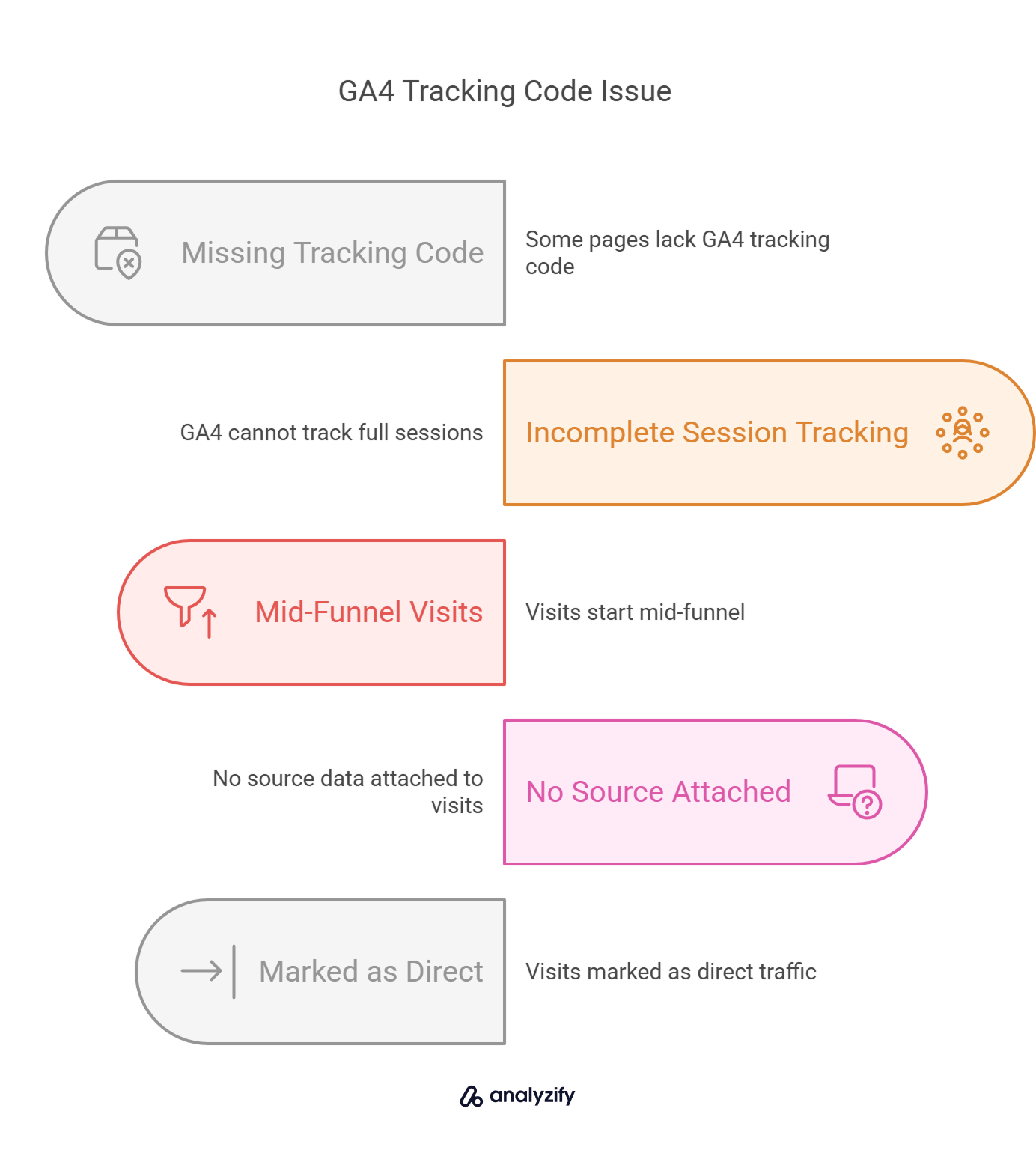
Incorrect tracking code placement tops the list, where code is missing from pages, duplicated, or not placed just before the </head> tag, leading to incomplete data. Using the same code for staging/development and live sites pollutes live data with test traffic, inflating metrics like user counts. Firing GA4 config tag on every page view instead of once at container initialization breaks the foundational link to GA4 properties.
Other frequent issues include not setting up events, goals, or audiences early, resulting in surface-level metrics without tying to business KPIs like signups or checkouts. Poor consent and data retention settings cause compliance risks (e.g., GDPR) and incomplete tracking if users reject cookies. Sending debug_mode persistently or from test sites contaminates production data.
Debugging Tips for Students
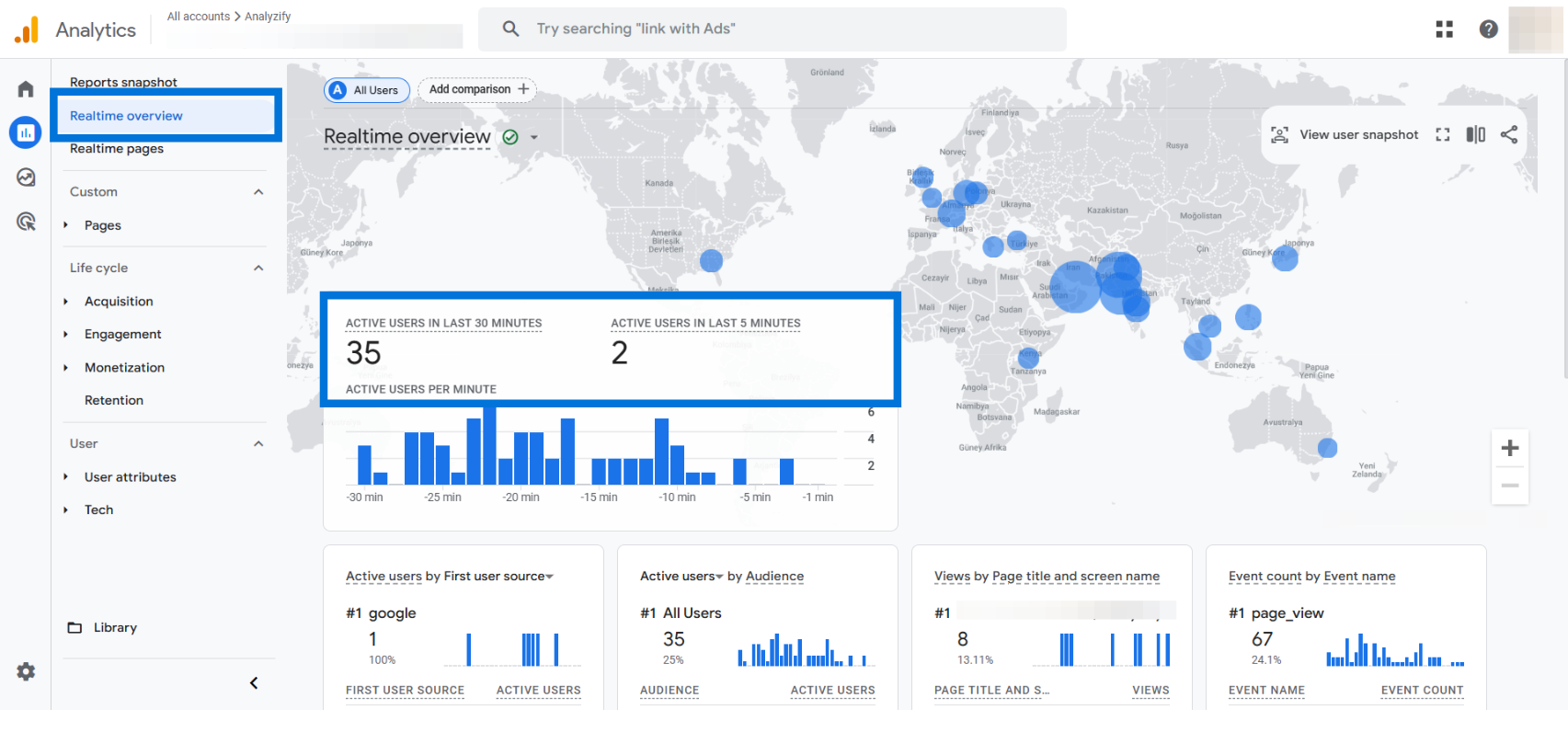
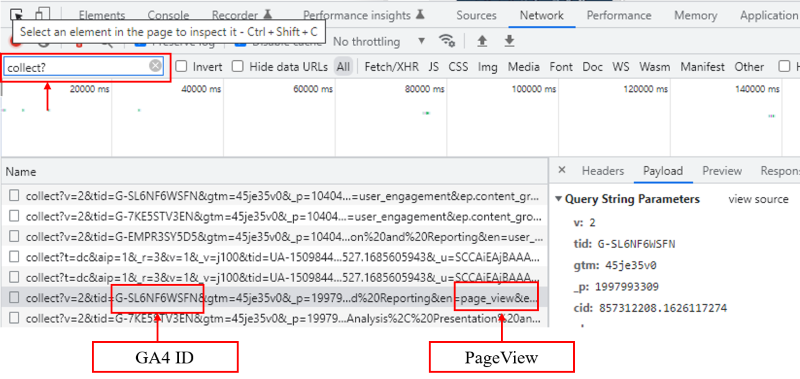
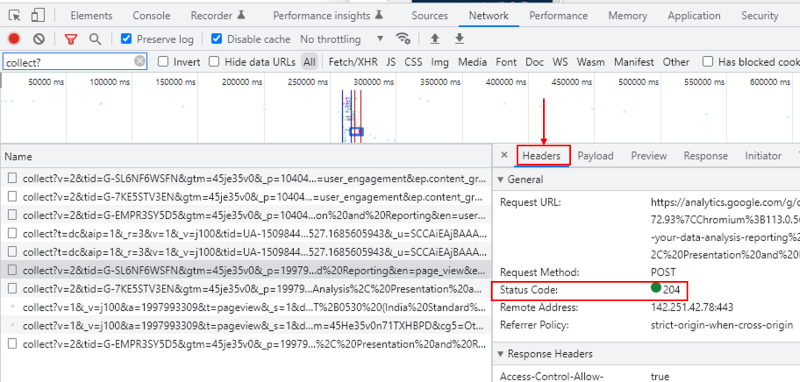
- Verify tag firing: Use Google Tag Manager's Preview mode or GA4's DebugView to check real-time events on every page.
- Check for unwanted traffic: Create exploration reports in GA4 filtering by URL/hostname to spot staging domains or internal referrals; exclude them via filters.
- Test cross-domain tracking: In GA4 Admin > Data Streams, configure domains/subdomains; use Google Tag Assistant or DebugView to confirm seamless user IDs across sites.
- Review regularly: Audit for duplicates/misses (e.g., page refreshes logging extra purchases) and compare GA4 data against back-end or BigQuery for discrepancies in scopes like user vs. session.
- Avoid over-registration: Don't use GA4's "Create event" for events already sent via GTM/gtag, as it duplicates data; limit custom dimensions to under 50.
- Fix UTM/channel issues: Ensure consistent UTM parameters to prevent "(not set)" or unassigned traffic; test channel groupings match your needs.
| Pitfall | Quick Fix | Tool |
|---|---|---|
| Staging data in live | Exclude domains in GA4 filters | Exploration reports |
| Duplicate events | De-dupe in tagging; avoid "Create event" misuse | DebugView |
| Config tag misfire | Fire once at init | GTM Preview |
| No goals/events | Define KPIs like "checkout" | GA4 Admin |
Regular reviews prevent drift from site changes; start with DebugView for hands-on verification.













WebSeoSG offers the highest quality website traffic services in Singapore. We provide a variety of traffic services for our clients, including website traffic, desktop traffic, mobile traffic, Google traffic, search traffic, eCommerce traffic, YouTube traffic, and TikTok traffic. Our website boasts a 100% customer satisfaction rate, so you can confidently purchase large amounts of SEO traffic online. For just 40 SGD per month, you can immediately increase website traffic, improve SEO performance, and boost sales!
Having trouble choosing a traffic package? Contact us, and our staff will assist you.
Free consultation