

A low-friction registration flow keeps the first screen as short and clear as possible, asks only for information that is truly needed now, and uses progressive profiling to collect the rest later. It should also reduce typing and uncertainty with autofill, visible labels, clear password guidance, and a prominent, unambiguous call to action.
Practical design principles
- Ask for the minimum viable set of fields at sign-up, usually just email or phone plus password if an account is required.
- Remove duplicate or unnecessary fields, and avoid asking for private or hard-to-justify information early.
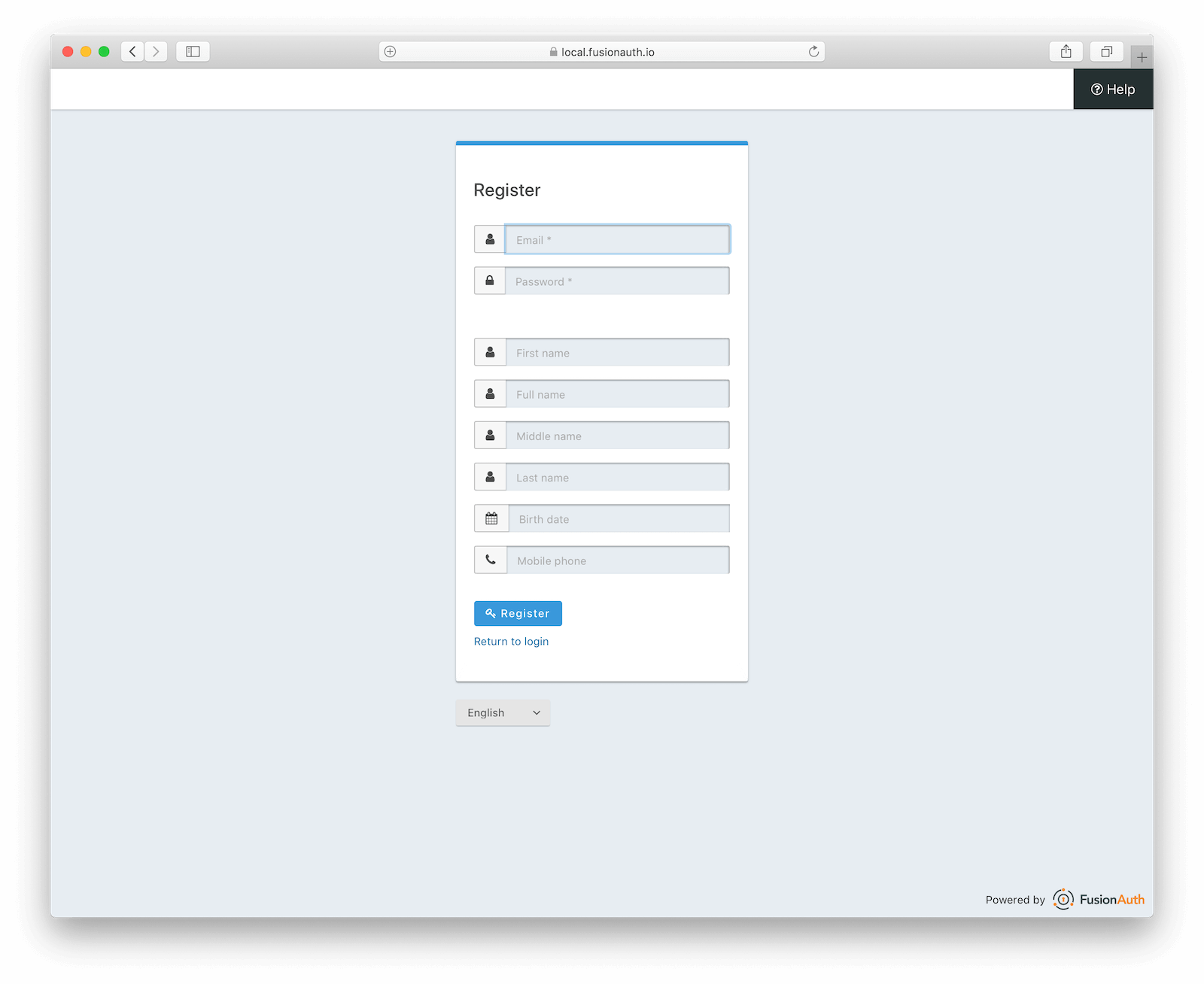
- Use a single-column layout with labels above fields, which is easier to scan and complete, especially on mobile.
- Support autofill, password managers, and appropriate input types so users can complete the form faster.
- Use clear microcopy to set expectations, such as telling users if they will receive a verification email or need to complete a second step.
- Make the primary action obvious with one strong CTA, such as “Create account” or “Sign up”.
- Offer alternative sign-up methods like Google, Apple, or phone sign-up where appropriate.
- Break long registration into short steps with visible progress if more than a few inputs are unavoidable.
- Validate inputs in real time and show errors near the relevant field to avoid surprise failures at submission.
- Optimise for mobile with large touch targets, the right keyboard for each field, and no awkward scrolling.
A simple flow pattern
- Start with only the essentials.
- Show one clear step and one clear CTA.
- Use autofill and password visibility controls.
- Confirm with a short verification step if needed.
- Collect extra profile details later after the account is created.
What usually increases friction
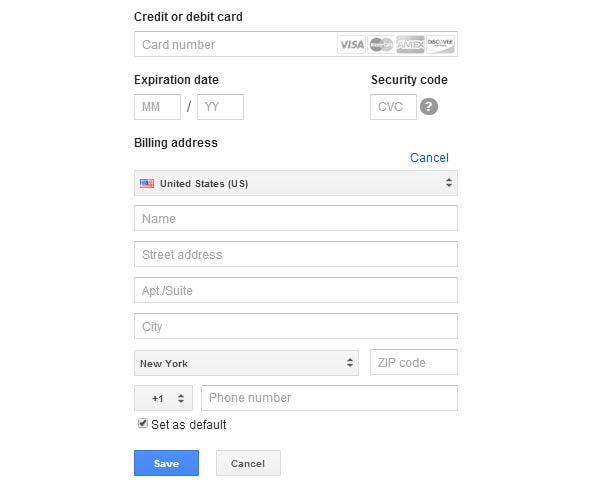
- Too many mandatory fields upfront.
- Requiring users to type the same information twice.
- Vague labels, hidden requirements, or placeholder-only forms.
- Long forms without progress indicators.
- Forcing account creation before users understand the value.
Good default checklist
- Keep the form short.
- Remove every non-essential field.
- Support social or passwordless options if suitable.
- Use clear labels and helpful inline messages.
- Make verification and next steps explicit.
- Test the flow on mobile and desktop, then iterate with analytics and A/B testing.
If helpful, this can also be turned into a wireframe checklist or a step-by-step registration flow for a specific product type.

.png)
.png)












WebSeoSG offers the highest quality website traffic services in Singapore. We provide a variety of traffic services for our clients, including website traffic, desktop traffic, mobile traffic, Google traffic, search traffic, eCommerce traffic, YouTube traffic, and TikTok traffic. Our website boasts a 100% customer satisfaction rate, so you can confidently purchase large amounts of SEO traffic online. For just 40 SGD per month, you can immediately increase website traffic, improve SEO performance, and boost sales!
Having trouble choosing a traffic package? Contact us, and our staff will assist you.
Free consultation