

Tools and resources you can use to diagnose and monitor possible shadow‑banning (search-engine demotion or social platform suppression) — focused on Search Console, Ahrefs, SEMrush, PageSpeed and complementary tools.
Direct answer (1–2 sentences)
- Use Google Search Console for authoritative indexing, manual‑action, and impressions data; use Ahrefs and SEMrush for independent rank, backlink and keyword‑visibility trends; use PageSpeed Insights (and Lighthouse) to rule out performance issues that can indirectly hurt visibility; and combine these with historical analytics, rank trackers, and platform‑specific checks to detect stealthy drops that look like a shadow ban.
Essential context and step‑by‑step toolkit
- Google Search Console — the first source for diagnosing search suppression
- Check Coverage and Indexing: confirm whether affected URLs are indexed or excluded (and why) in the Coverage report.
- Performance (Impressions/Clicks): look for sharp declines in Impressions or Clicks for specific pages or queries; a sudden, sustained drop without a manual action notice is a common sign of stealth demotion.
- Manual Actions & Security: confirm there are no manual penalties or security issues reported; a manual action will be explicit in Search Console.
- URL Inspection: test individual URLs to see the indexed version, canonical chosen, and discovered by Google status.
(Why: GSC is Google’s own reporting — it shows whether Google can/can’t index and whether it recorded problems.)
- Ahrefs — independent rank, backlinks and organic traffic estimates
- Organic Keywords & Positions: use Ahrefs’ Organic Keywords and Positions History to detect which keywords and pages lost ranking and when.
- Organic Traffic Trends: compare estimated organic traffic drops to GSC impressions to validate whether the decline is algorithmic or measurement noise.
- Backlink Changes: check for lost or toxic backlinks that could trigger demotion.
(Why: Ahrefs provides an independent visibility signal and link data that helps triangulate what GSC shows.)
- SEMrush — competitive visibility, on‑page issues and historical snapshots
- Position Tracking: run daily rank tracking for target keywords and pages to timestamp drops.
- Organic Research & Visibility: compare your visibility curve with competitors to identify broader algorithm moves versus site‑specific issues.
- Site Audit: use SEMrush Site Audit to surface technical SEO issues (indexability, duplicate content, thin content, hreflang, crawlability) that can cause demotion.
(Why: SEMrush adds another independent dataset and automated crawling to find technical causes.)
- PageSpeed Insights / Lighthouse / Core Web Vitals — performance & UX causes
- Run PageSpeed Insights (Lighthouse) for affected pages to check Core Web Vitals, mobile/desktop performance and UX issues.
- Check field data (CrUX) vs lab data: poor real‑world Core Web Vitals can contribute to ranking problems for some queries.
(Why: performance and UX are indirect ranking factors — poor scores can worsen visibility even if not a classic “shadow ban”.)
- Web analytics & rank‑tracking — primary cross‑checks
- Google Analytics / GA4: compare organic sessions, landing‑page performance and acquisition timing to validate GSC drops.
- Dedicated rank trackers (e.g., the trackers inside Ahrefs/SEMrush or standalone services): record historical rank changes to detect when and for what keywords pages were demoted.
(Why: analytics confirm real user traffic impact vs. search reporting anomalies.)
- Additional diagnostics & platform checks (social platforms & other search engines)
- Manual SERP checks: search from clean profiles, incognito/private mode, and from different locations (or use VPN/geo-emulation) to see whether pages appear for target queries.
- “View as user” tests: ask people in different locations/accounts to check visibility (use private accounts that don’t follow you).
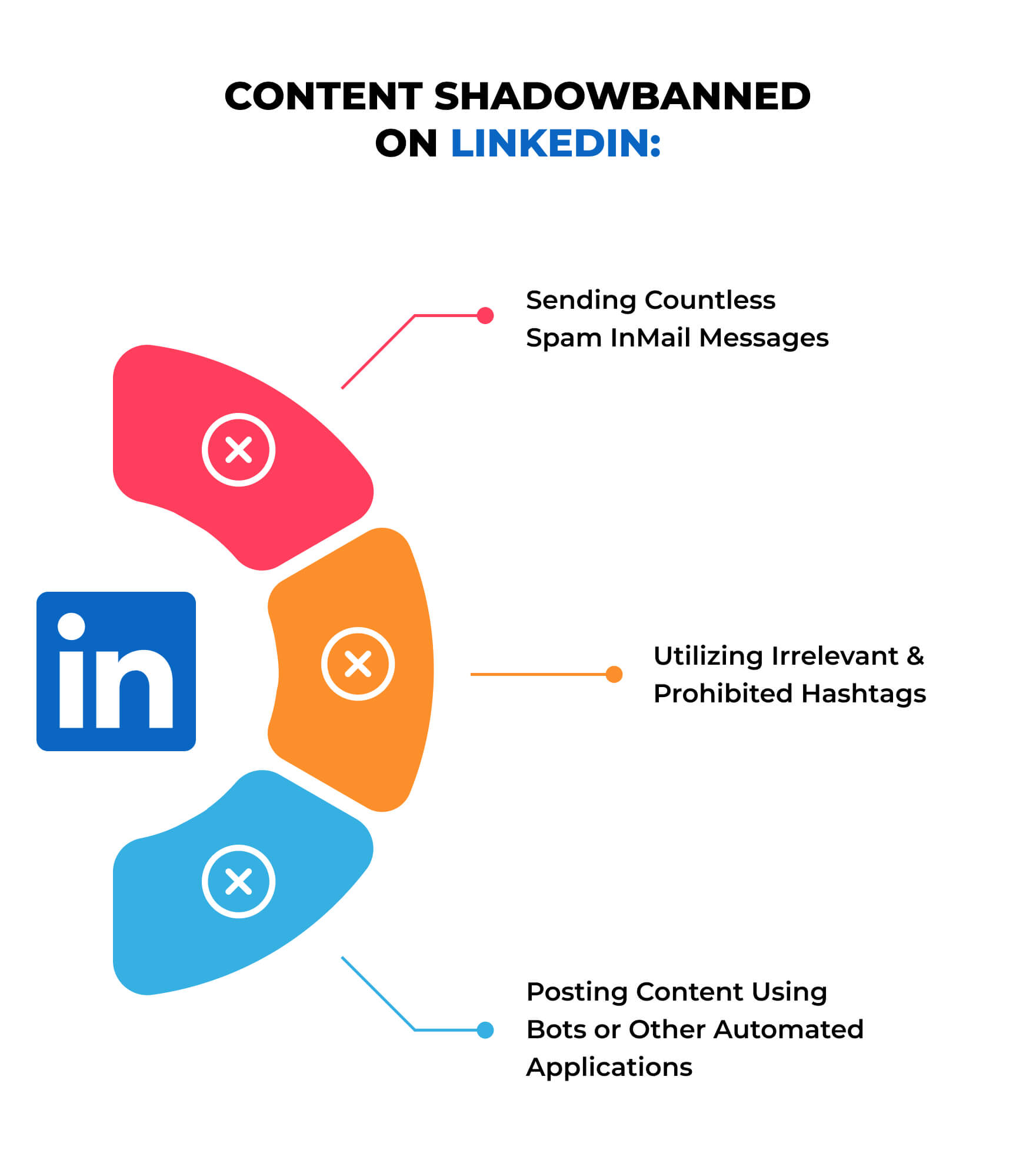
- Check for broken/banned hashtags or platform flags (for social shadowbans): test posts under specific hashtags from accounts that don’t follow you.
(Why: shadow bans are often visible only from some vantage points; manual checks replicate end‑user view.)
- Third‑party shadow‑ban checkers & social monitoring (use cautiously)
- Tools such as shadowban checkers or platform‑specific analyzers can give quick red flags for Instagram/YouTube/Twitter, but treat results as indicative, not definitive.
(Why: many are heuristics based on engagement and hashtag visibility; validate with platform tools and manual checks.)
- Log & crawl evidence — technical proof for search engine issues
- Server logs / crawl stats: review server logs for Googlebot crawl frequency and response codes; sudden crawl drops can indicate reduced interest or indexing problems.
- Site crawlers (Screaming Frog, DeepCrawl): find indexability issues, duplicate content, large numbers of low‑value pages, or templated thin pages that lead to demotion.
(Why: crawl behaviour and site structure problems commonly lead to large‑scale ranking drops.)
- Correlation & timeline analysis — how to determine cause vs coincidence
- Build a timeline: align ranking/impressions drops with deployments, content changes, backlink events, algorithm updates, manual actions, or performance regressions.
- If multiple tools show the same sudden decline (GSC impressions, Ahrefs visibility, GA sessions), it’s likely a real demotion rather than a reporting error.
(Why: diagnosing “shadow bans” is about triangulating signals from multiple independent tools.)
How to use the specific tools together (practical workflow)
- Step 1: Confirm with Search Console (Performance + Manual Actions) and URL Inspection.
- Step 2: Cross‑check with Ahrefs/SEMrush rank and visibility graphs to see which keywords/pages lost positions and when.
- Step 3: Validate user impact in GA4 (organic sessions, landing pages).
- Step 4: Run PageSpeed Insights / Lighthouse on affected pages and check Core Web Vitals to rule out a performance regression.
- Step 5: Crawl site with Screaming Frog/SEMrush to surface technical issues and review server logs for crawl changes.
- Step 6: Manual SERP checks (incognito, different geos) and, if social, hashtag visibility tests from non‑follower accounts.
- Step 7: If no clear cause, prepare a remediation plan (content quality improvements, fix technical issues, disavow toxic links, request review if manual action exists) and monitor daily with GSC + rank tracker for recovery signs.
Precautions, limitations and when the term “shadow ban” is misleading
- “Shadow ban” is an informal term; for search engines, many issues that look like shadow bans are actually algorithmic demotion, indexation problems, or manual penalties.
- Third‑party shadow‑ban checkers (especially for social platforms) rely on heuristics — they can produce false positives and should be used only as one signal among many.
- Always prioritise platform native tools (Search Console, platform account status pages) and server logs for authoritative evidence.
Quick checklist you can copy into daily monitoring
- GSC: Performance (impressions/clicks), Coverage, Manual Actions, URL Inspection.
- Ahrefs/SEMrush: visibility graphs, position history, backlink changes, site audit.
- GA4: organic landing pages and session drops.
- PageSpeed Insights / Lighthouse: Core Web Vitals and UX.
- Server logs & crawl stats: Googlebot activity and response codes.
- Manual SERP checks: incognito, geo checks, and non‑follower social tests.
- Record dates of deployments/changes and compare to drop timelines.
If you want, I can:
- Produce a one‑page daily monitoring dashboard (fields and queries) you can use with GSC, Ahrefs/SEMrush and GA4.
- Walk through a specific page or keyword you suspect is shadow‑banned and run the diagnostic steps live (you provide the URL/keyword and screenshots or exported data).
Sources used for these recommendations:
- Guidance on using Search Console to detect indexing/impression drops and manual actions.
- Descriptions of how third‑party “shadowban” checkers and engagement analyses work for social platforms.















WebSeoSG offers the highest quality website traffic services in Singapore. We provide a variety of traffic services for our clients, including website traffic, desktop traffic, mobile traffic, Google traffic, search traffic, eCommerce traffic, YouTube traffic, and TikTok traffic. Our website boasts a 100% customer satisfaction rate, so you can confidently purchase large amounts of SEO traffic online. For just 40 SGD per month, you can immediately increase website traffic, improve SEO performance, and boost sales!
Having trouble choosing a traffic package? Contact us, and our staff will assist you.
Free consultation