

Accessing Google Keyword Planner
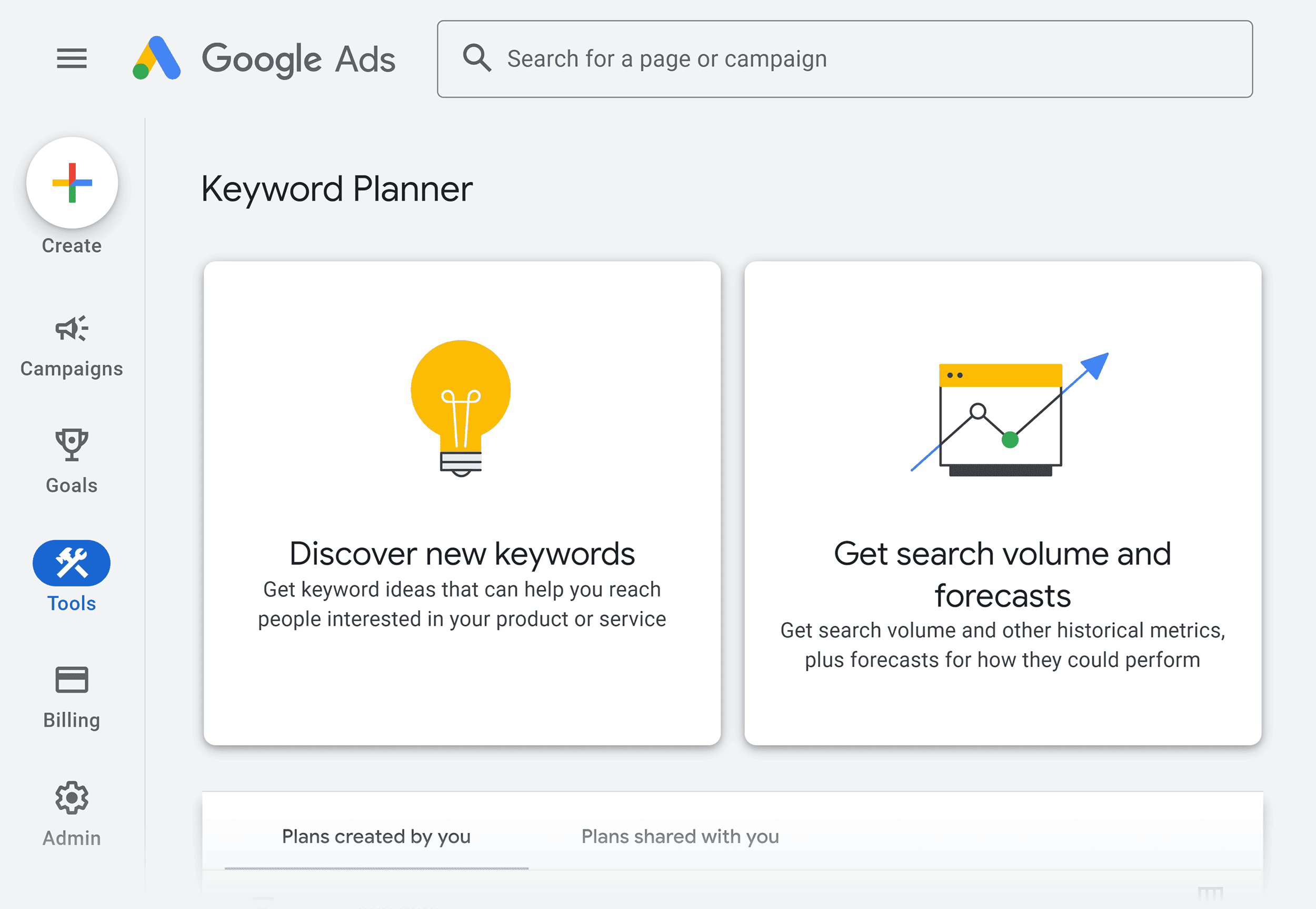
To begin your keyword research, you'll first need to access the Google Keyword Planner tool. Log into your Google Ads account and click on the Tools and Settings icon in the top menu. From the dropdown menu, navigate to the Planning section and select Keyword Planner. This will take you to the Keyword Planner dashboard where you can start your keyword discovery process.
Selecting the Discover New Keywords Option
Once you're in the Keyword Planner dashboard, you'll see two main options available. Select Discover new keywords to begin finding keyword ideas related to your business or content. This option is designed to help you generate new keyword suggestions based on your initial search terms or website content.
Entering Your Keywords or Website
After selecting the Discover new Keywords option, you'll have two approaches to choose from:
Start with keywords: Enter words or phrases that are relevant to your products or services. You can input up to 10 keywords or phrases at once, separating each with a comma and space. For example, if you're selling school lunch boxes, you might enter terms like "school lunch box," "kids tiffin box," or "best lunchbox for school." You can also optionally enter your domain as a filter to exclude keywords not related to your business.
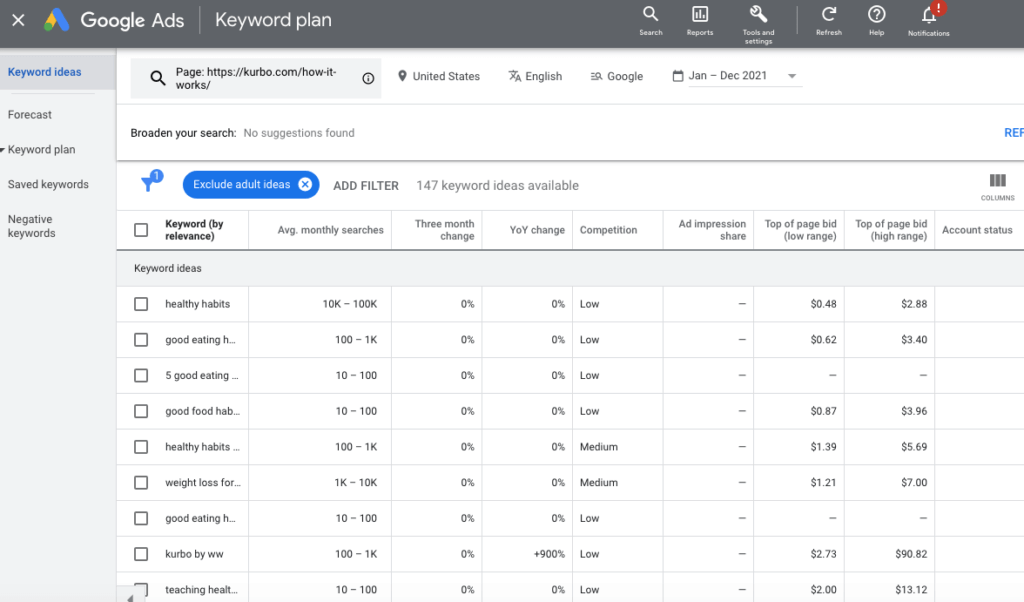
Start with a website: Alternatively, enter any website URL, and Google Keyword Planner will analyse the content and generate relevant keyword ideas based on that site. You can choose to search the entire website or focus on a specific page.
Reviewing and Filtering Results
Once you've entered your initial keywords or website, click Get Results to generate keyword ideas. The tool will display a list of related keywords with valuable data. You can then filter and refine these results to narrow down your options. When filtering, start with general settings or just one filter to avoid overlooking potential opportunities.
Adding Keywords to Your Plan
As you discover viable keywords, select the ones you want to pursue by checking the boxes next to them. You can specify the match type by clicking the Broad match dropdown and selecting your preferred match type. Once you've selected your keywords, click Add keywords to either create a new plan or add them to an existing plan.
Analysing Performance Forecasts
After adding keywords to your plan, you can set a daily budget, maximum bid, and location to receive detailed performance forecasts. This will help you understand the potential of your chosen keywords and make informed decisions about your advertising budget allocation.















WebSeoSG offers the highest quality website traffic services in Singapore. We provide a variety of traffic services for our clients, including website traffic, desktop traffic, mobile traffic, Google traffic, search traffic, eCommerce traffic, YouTube traffic, and TikTok traffic. Our website boasts a 100% customer satisfaction rate, so you can confidently purchase large amounts of SEO traffic online. For just 40 SGD per month, you can immediately increase website traffic, improve SEO performance, and boost sales!
Having trouble choosing a traffic package? Contact us, and our staff will assist you.
Free consultation